
The Madara alternative built for web novels
JormunTL is a WordPress theme for text novels and translation sites. It installs on the site that already runs Madara, brings your novels and chapters across in place, and leaves the Madara library untouched until you are sure.
Step by step, with screenshots: the migration guide.
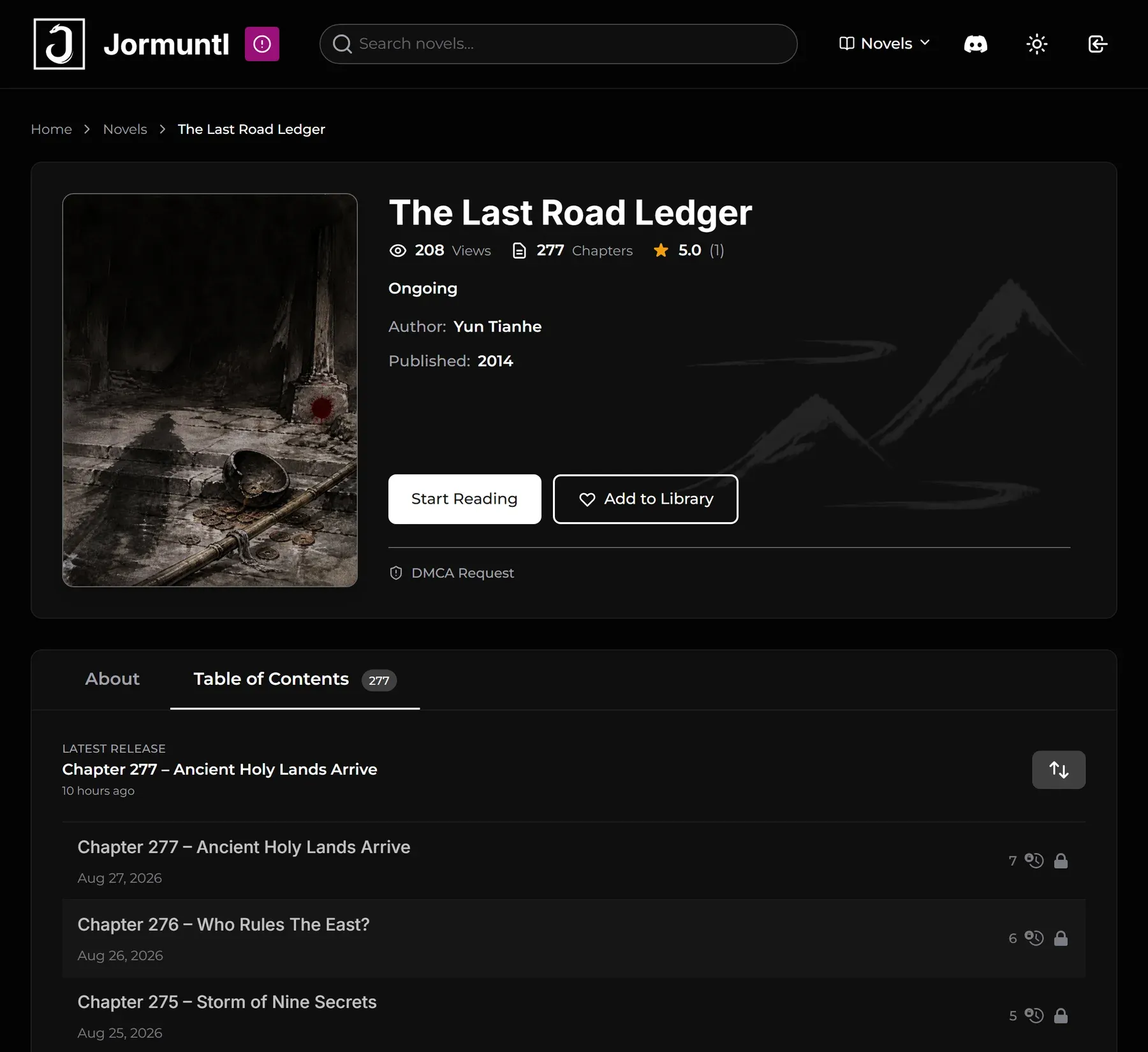
What changes when you leave Madara
A reader made for prose
Madara was built around manga, where a chapter is a stack of images. JormunTL is a text reader: one column of prose, with font, size and light or dark mode remembered for each reader.
Paid chapters without add-ons
Selling chapters on a Madara site usually means extra plugins on top of the theme, such as myCred. JormunTL carries coins, Patreon tiers and timed unlocks itself, so there is one product to keep updated.
A move you can take back
The migration never edits or deletes Madara data. Until you are happy with the result, the old site is one theme switch away.
What comes across from Madara, and what does not
The migration reads your Madara library where it sits in the database and builds the JormunTL version beside it. Nothing Madara owns is changed or deleted.
Brought across
- Novels, with their titles, descriptions, excerpts and slugs
- Covers that are already in your media library
- Genres and authors
- Alternative titles
- Statuses: Ongoing and Completed as they are, On Hold and Canceled as Hiatus
- Chapter text, titles and dates, in reading order
- Draft and private novels stay unpublished
Left behind, or set up afterwards
- Manga and other image-based series. JormunTL reads text, so the list marks them and there is nothing to bring
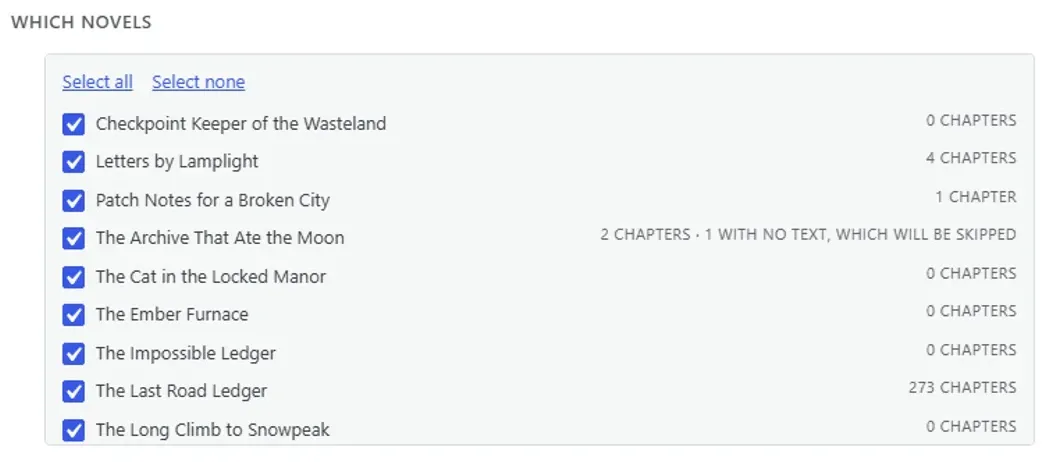
- Chapters with no text stored. They are counted before you start and skipped, not created empty
- Prices and locks. Nothing arrives paid for: set access on each novel, or across every novel at once
- View counts, volumes and comments
- Bookmarks, reading history and coin balances kept by Madara’s plugins
Move a Madara site to JormunTL in four steps
There is no file to export and nothing to connect. It all happens on the site that already holds your books.
- 1
Back up, and use a copy if readers are on the site
A migration is exactly the moment you want a backup, and you cannot make one afterwards. If your host offers a staging copy, run it there first.
- 2
Install JormunTL on the same site
Upload the theme and switch to it, then install JormunTL Transfer from JormunTL ▸ Install Plugins. Madara can stay installed, and can even be switched off.
- 3
Look before anything is written
Open Tools ▸ JormunTL Transfer. The From Madara tab lists every novel with its chapter count, any chapters with no text, and any image-based series. Choose what comes across.
- 4
Bring it across, then set access
Press Bring these across. Then set prices and locks, check covers and chapter addresses, and only then tell readers. The migration guide has the checklist.
What your site looks like on JormunTL
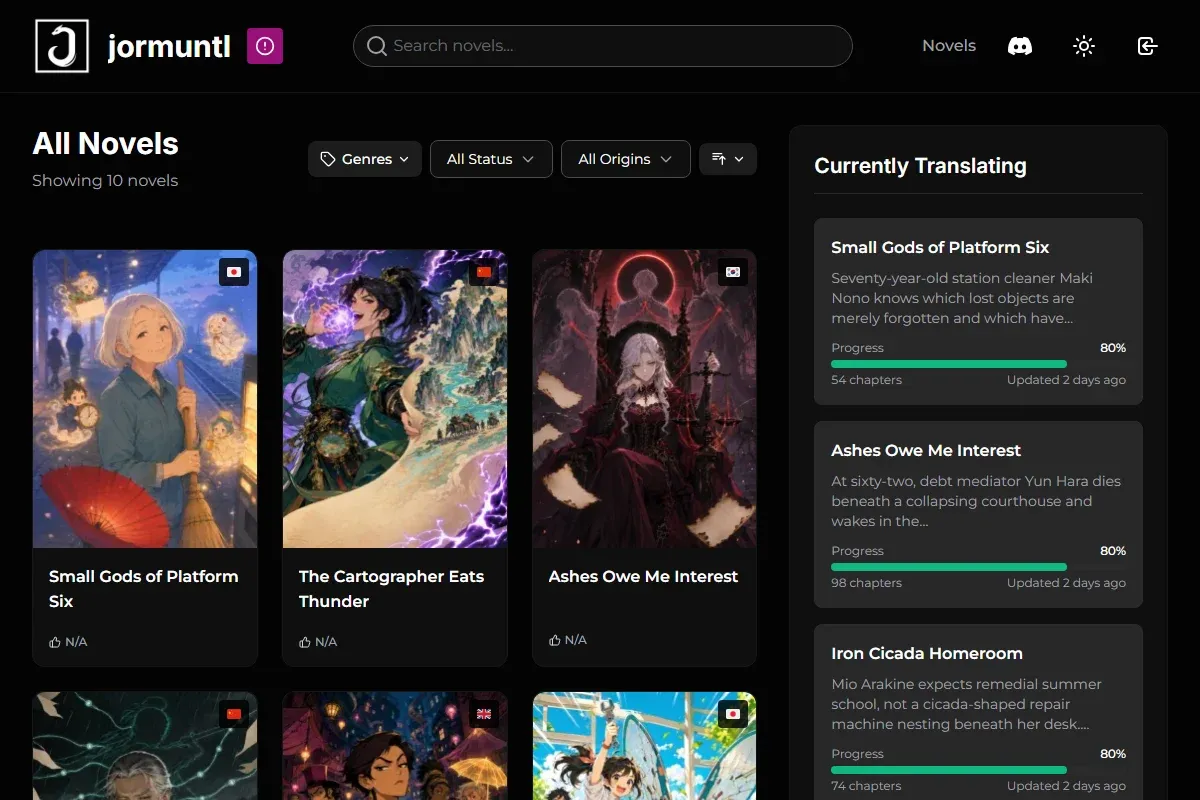
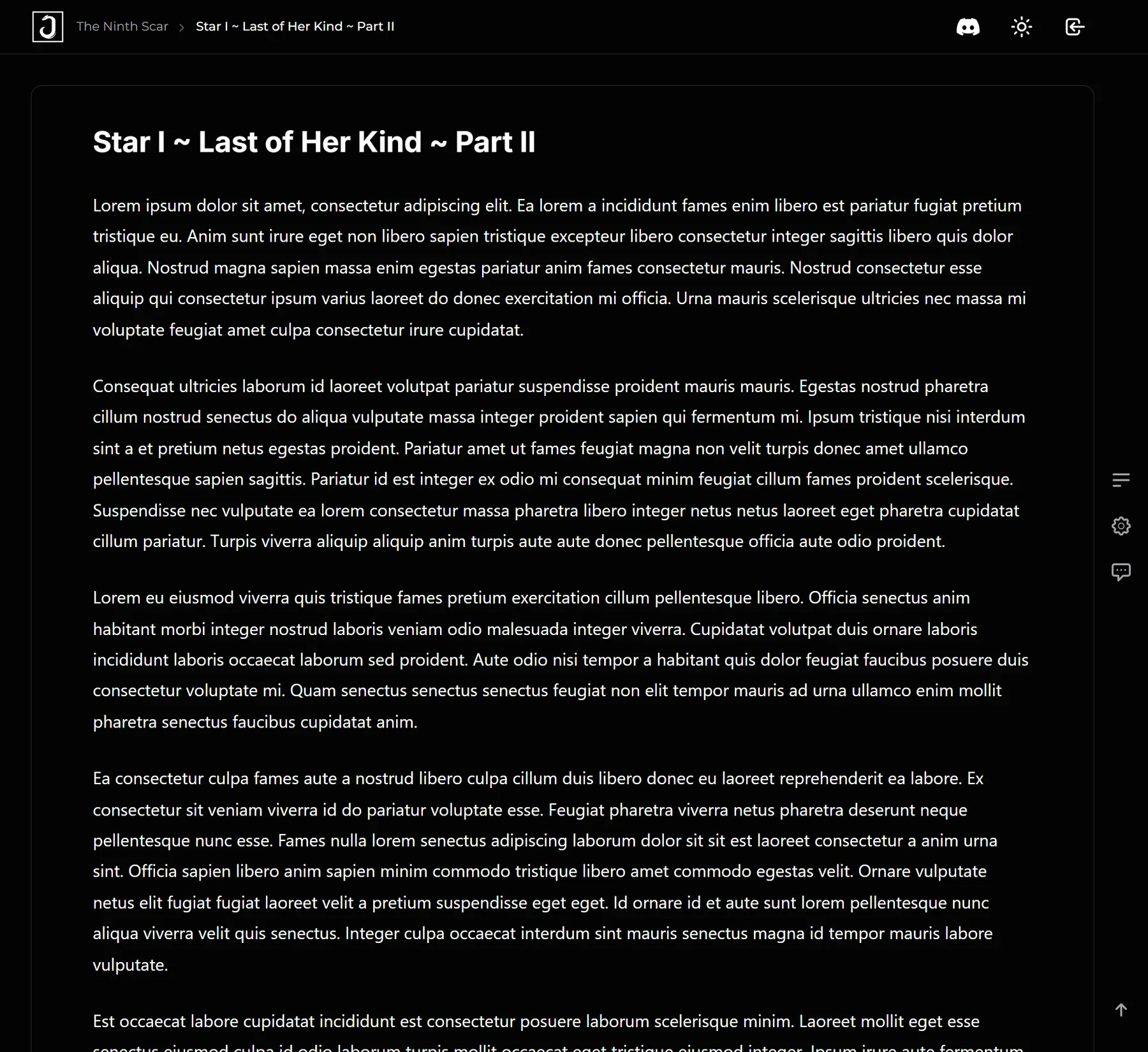
Screens from the live demo. Colours, layouts and cards are yours to change in the Customizer.
Built into JormunTL, with no extra plugins
Paid early access
Coins through Stripe, PayPal or Ko-fi, Patreon tiers, and chapters that unlock on a date.
Reader accounts
Continue reading, history, favorites and a coin balance, with no membership plugin.
Releases that schedule themselves
Set a release date or change access across chapters you already published, in bulk.
Fast with a real library
Lighthouse scores the live demo 99 on mobile with 940 chapters in it.
All of it is running on the live demo. The full list is in the documentation.
Questions from Madara site owners
Will my manga series come across?
No. JormunTL is a reader for text, so an image-based series has nothing to bring. The migration marks those before you start, so they do not arrive as empty books that look like a failed import.
Do my readers keep their accounts?
Yes. Reader logins are ordinary WordPress accounts on the same site, and changing theme does not touch them. What Madara’s plugins stored for each reader, such as bookmarks and reading history, does not come across.
Will my old links keep working?
Novel and chapter slugs are kept, but the address format changes: JormunTL novels live under /novels/, and chapter addresses follow the format you choose in performance and URLs. Check your most visited links and add redirects before you announce the move.
Do my paid chapters stay paid?
Nothing arrives priced, so set access before readers see the new site. You can do it per novel under Access & price, or across every novel at once from Chapters ▸ Update existing chapters. This is one more reason to run the migration on a copy first.
Can I undo it?
Yes. Everything the migration creates is marked as coming from Madara, and the same screen removes all of it. Your Madara library is never changed, so switching the theme back brings the old site back.
Does Madara need to stay active?
No. The migration reads the database directly, so it works with Madara and its plugin switched off.
Can I run it again later?
Yes. Chapter text, titles and dates are refreshed from Madara each time, so edits you made there catch up. Genres, statuses, authors and covers are only ever added to, so tidying you did on the JormunTL side is kept.
Does the migration cost extra?
No. It is part of JormunTL Transfer, one of the four companion plugins included with the licence.
Ready to move off Madara?
$69 for the theme and every companion plugin, the migration included. One-time purchase, one year of updates.
Rather not do it yourself? I can move your Madara site across with you, set everything up, and keep it running afterwards.
Madara is a theme by MangaBooth. JormunTL is an independent product and is not affiliated with or endorsed by them. Coming from somewhere else? See switching from Fictioneer.