Registration and login
For JormunTL 1.4.1
How readers sign in, the two shapes the login takes, and why email verification waits.
Readers get an account on your site. What that account is for:
- Reading progress and history
- Favourites
- Comments, ratings and reviews
- A coin balance, if you sell chapters
- A linked Patreon membership, if you use Patreon
A site with no monetization and no community still benefits. Reading progress alone is most of why a reader comes back rather than losing their place.
The settings are in Theme Options ▸ Accounts and Readers.
Two shapes of sign-in
Login Style decides which one you get, and they are not alike.
The modal
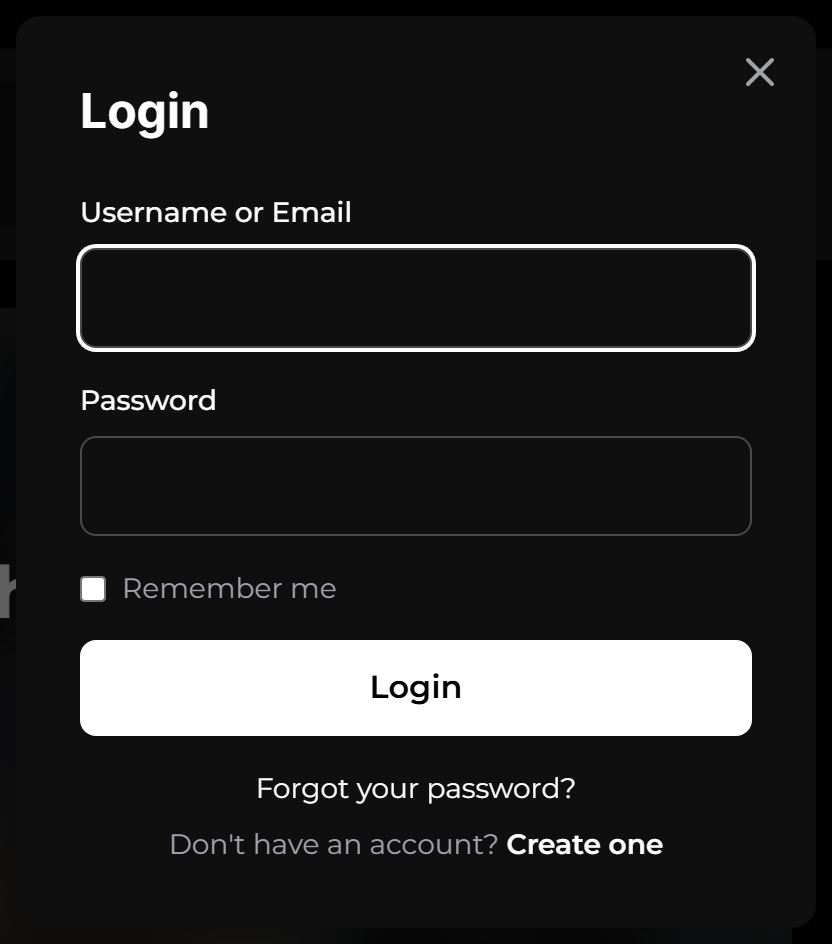
The default. It opens over whatever the reader was reading, so signing in never costs them their place. On a site where the sign-in prompt usually appears because they hit a locked chapter, that matters.
The page
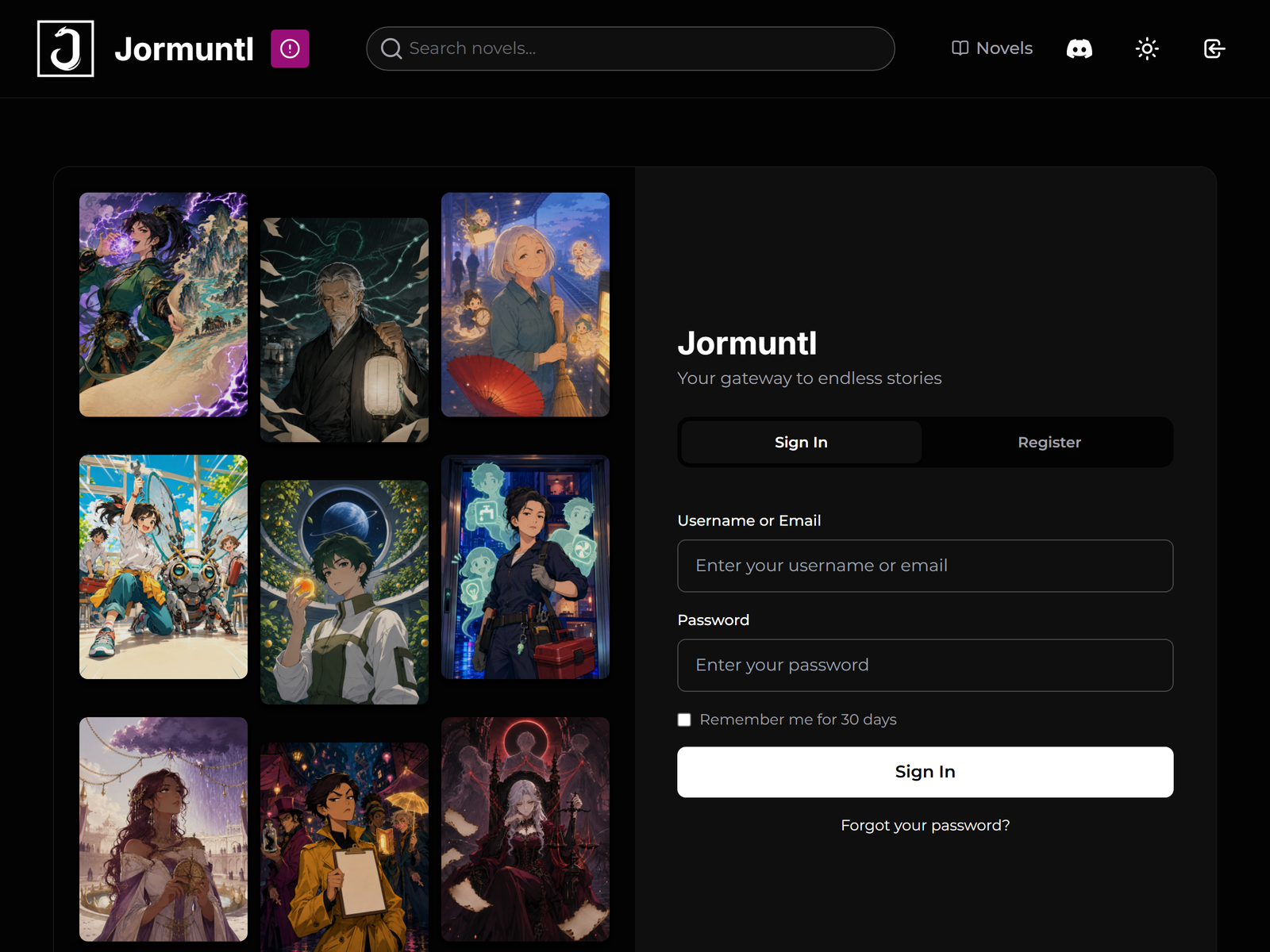
A page of its own, at /login/. Roomier, and it is where the reader lands if
they arrive at a members-only URL directly rather than clicking a button.
Both carry the same form: sign in, register, and a password reset.
Email verification
Off by default, and it should stay off until email actually works.
With verification on and mail broken, new readers are flagged unverified, never receive their link, and cannot buy anything, while existing accounts and staff carry on working normally. That combination is why the fault is almost always reported by a stranger rather than noticed by you.
Prove email first, with the test button described in email delivery.
Seeing who is stuck
With verification on, Community ▸ Readers marks each reader who has not clicked their link with an Unconfirmed tag beside Free or Premium, and an Unconfirmed filter lists them. The row’s menu offers Resend confirmation link and Mark email confirmed; the same two are on the reader’s Users ▸ Edit User screen, which is where a support email usually leads you.
Mark as confirmed is your word that the address is theirs, for the reader whose link went to spam and who has since written to you from that address. It does exactly what their own click would: purchases open, the welcome message goes, and the account records who confirmed it and when.
The Community overview adds a line to its New Readers tile, “3 have not confirmed their email yet”. Readers are not obliged to confirm and most who do not simply never come back, so this is not a queue to chase. What it is good for is the other case: when every sign-up of the week is on that line, your mail has stopped working.
Signing in with Patreon
If Patreon is configured, “Continue with Patreon” appears on both shapes. It can be switched off in the Patreon access rules while keeping everything else working: readers then make an ordinary account and link Patreon from their wallet afterwards.
Worth switching off if you would rather every account began with an email address you own the relationship to.
Something here wrong or missing? jormundevtl@gmail.com
Privacy ·