Global
For JormunTL 1.4.1
Header, footer, notifications, Discord, novel display, reviews and ratings.
Settings that apply to the whole site rather than to one kind of page.
Everything here is in Appearance ▸ Customize, which previews as you change it. Nothing is saved until you press Publish, so it is the safe place to experiment: change something, look at the preview, and close without publishing if you hate it.
Each picture below is that section’s own pane, breadcrumb included, so you can see where you are.
Header
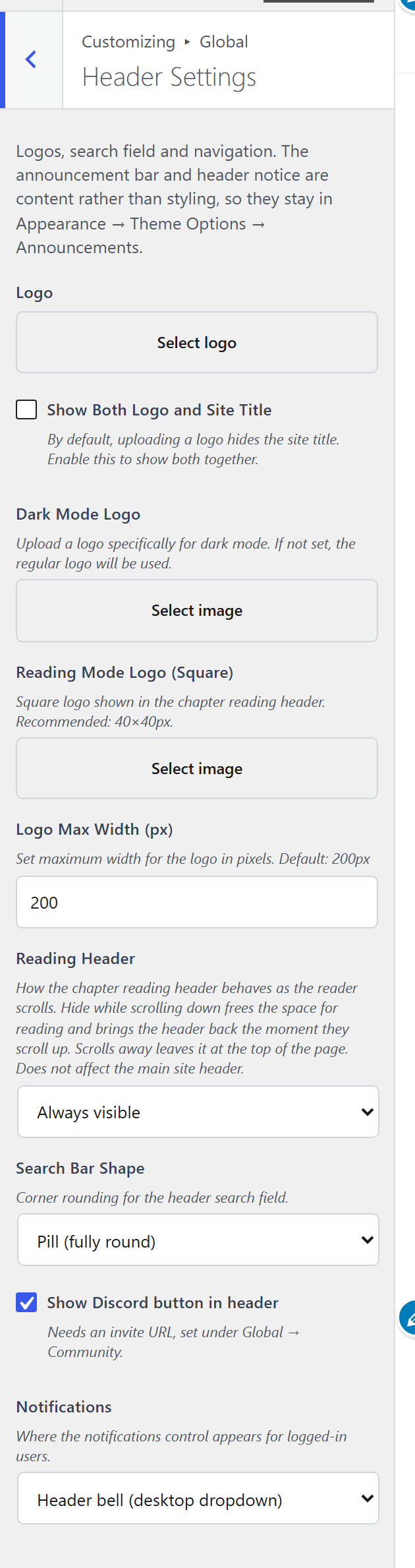
Reading Header decides what the header does while somebody is reading a chapter: stay, hide on scroll, or shrink. This is the one to think about, because a header that follows a reader down a 4,000-word chapter is either a convenience or an irritation depending on how tall it is.
Notifications is where a signed-in reader’s notifications appear: a bell in the header, an item in the account menu, or nowhere. The bell is desktop-only by design; the account menu is the one that also shows on a phone.
Show Discord button in header needs a URL, which is set under Community below. Without one the button does not render, rather than rendering a dead link.
Header Branding is what the brand is made of: logo and site title, logo only, or site title only with no picture anywhere. Title only also takes the picture out of the chapter header, which shows the site’s initial instead. A site with no logo uploaded gets the bundled mark, unless it chooses title only.
Site Title Size is Small, Medium or Large. On phones the title also shrinks to fit beside the header buttons before it is cut short, whatever the size, so a long site name is shown whole.
Dark Mode Logo, Reading Mode Logo (Square) and Logo Max Width are the rest of the branding. The reading-mode logo is separate because the chapter header is a different shape from the site header.
Search Bar Shape is square or rounded.
The header navigation
The links beside your logo come from Appearance ▸ Menus, assigned to the Primary location — ordinary WordPress, nothing theme-specific.
Until you build one, the header shows a single link to your library, so a new site is never left with no way through to the books. It is a starting point rather than a menu: as soon as you assign a real menu to Primary, it stops appearing and yours takes over. There is nothing to delete.
Starter Link Text renames it, if you would rather it said Browse, Library or Series. Leave it blank for “Novels”. The field disappears once a menu exists, because at that point it governs nothing.
Where it points is not a setting, on purpose. That link is the guarantee that a site without a menu can still reach its library, and a destination field would let you configure the guarantee away. If you want it to go somewhere else, you want a menu — which is one screen away and does far more: as many items as you like, any URL, in your own order.
Footer
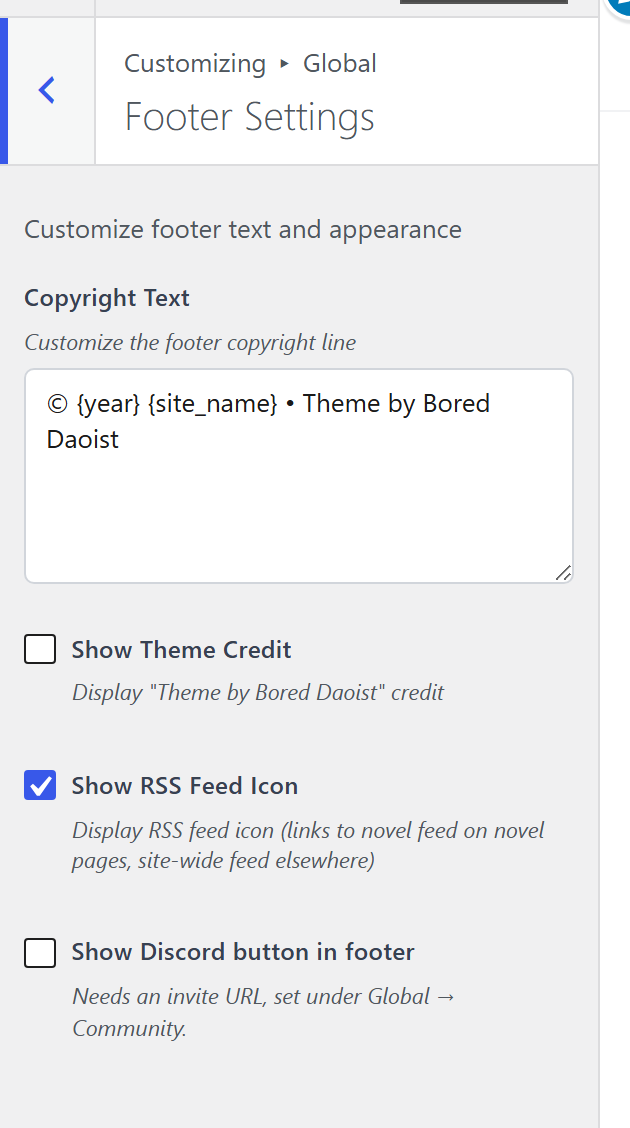
Copyright Text accepts {year} and {site_name}, so it does not need
editing every January.
Show Theme Credit, Show RSS Feed Icon and Show Discord button in footer are switches.
Which legal pages appear down there is separate, in Privacy and Cookies.
Community
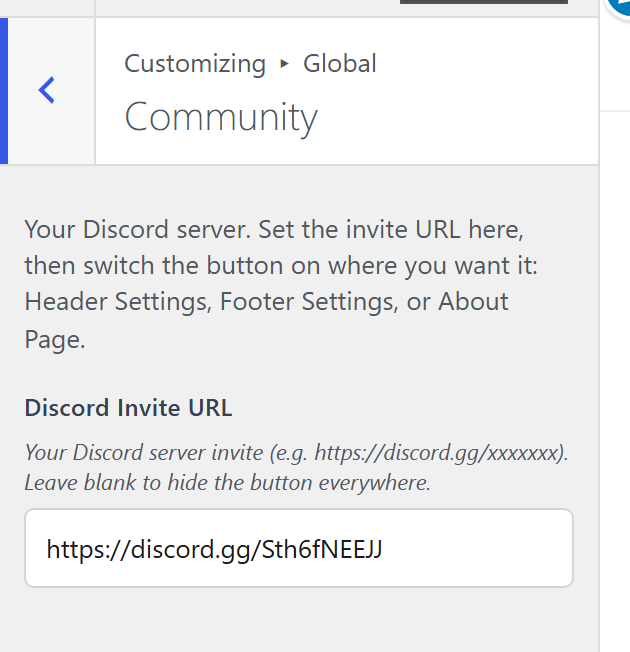
One field: Discord Invite URL. It feeds both Discord buttons, header and footer, so the address lives in one place.
Empty hides both buttons everywhere. That is deliberate, and it is the same rule the sales site uses: no link is better than a dead one.
Novel Display
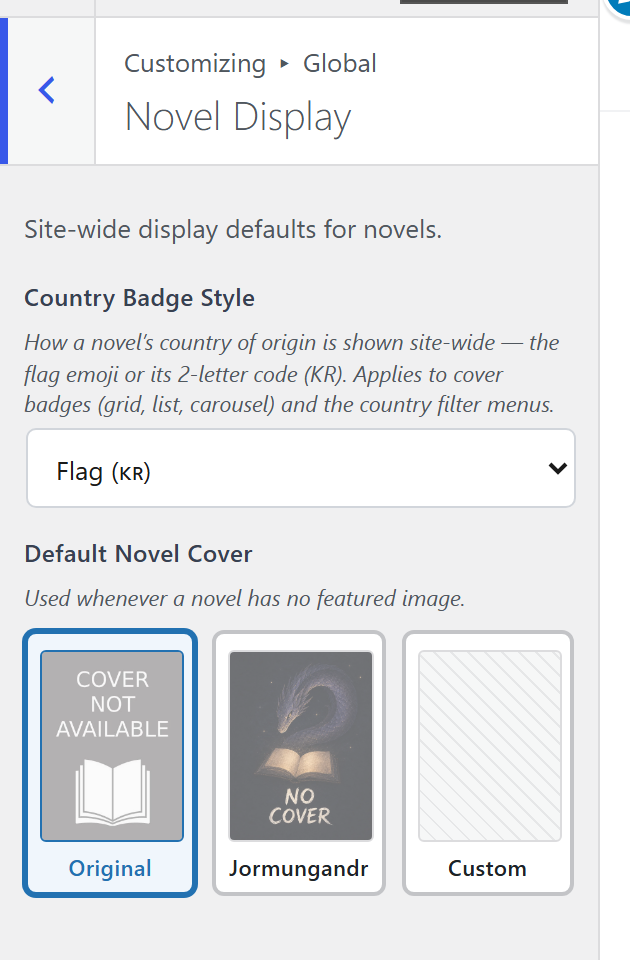
Country Badge Style is how a novel’s origin is drawn when a card shows it: a flag, or text. Which countries are available is in Content and Features; whether the badge appears at all is the cover overlay setting in layout settings.
Reviews & Ratings
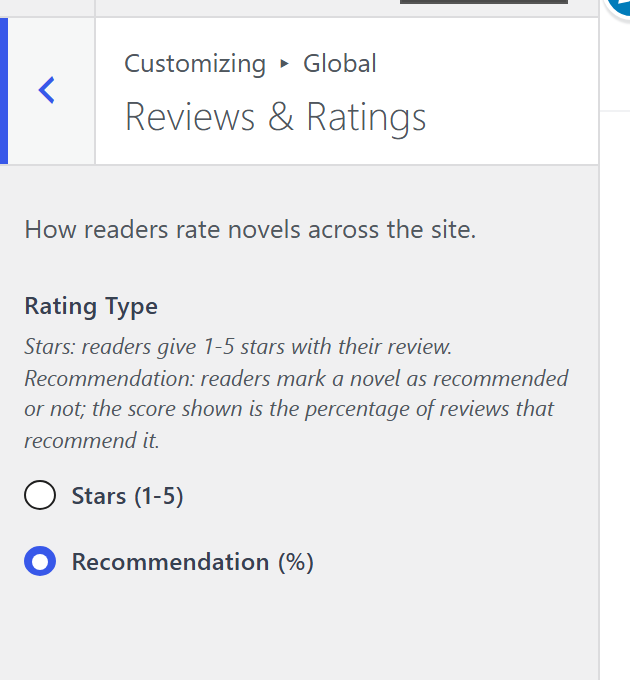
Rating Type is how a score is drawn. Stars is the default and the one readers of this genre expect.
Something here wrong or missing? jormundevtl@gmail.com
Privacy ·